Creating a Custom Visio Line End Shape
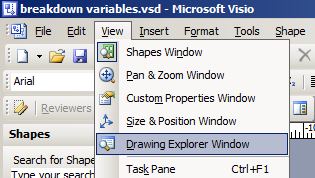
It is not too difficult to create a new line-end shape in Visio. Firstly, you need to open up the Drawing Explorer Window:
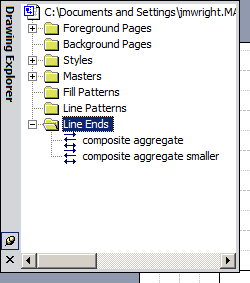
You can then browse into Line Ends and create a new pattern:
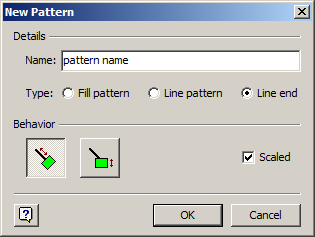
Make sure that the pattern is scaled, and select the type of line-end behaviour:
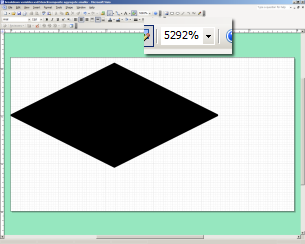
Finally, you can create your pattern. This is where things get a little odd. I’ve found the best behaviour occurs when you make your pattern extremely small – most of my patterns are about 4mm x 2mm. You might have some difficulty with line end orientation.
You can now use it as a line end in any normal Visio line dialog.